AI Powered Resume Screening System using Python Machine Learning
Recruitment is one of the most essential processes in any organization. Traditional resume screening is slow, labor-intensive, and often influenced by human bias or oversight, which is time-consuming and prone to human errors. The Resume Screen System automates this process using Machine Learning algorithms to match candidate resumes with job requirements.
The system is built using web technologies and machine learning algorithms that analyze the textual content of resumes, extract skills, and compute similarity scores between job requirements and candidate profiles. By doing so, the system helps recruiters instantly identify the most relevant applicants, saving time and improving decision-making accuracy. Candidates can effortlessly register, maintain their profiles, upload resumes, and apply for suitable jobs, while recruiters can manage job postings, track applications, and review AI-assisted insights.
🛠️ Tech Stack Used
Frontend / Web Interface:
- Django (Python Web Framework) – Used to create the web interface for user input, displaying predictions, and managing data
- HTML5, CSS3, JavaScript – For rendering and styling web pages
- Bootstrap (optional) – For responsive UI components
- Django Templates – For dynamic web page rendering
🧠 Machine Learning / Backend Logic:
- scikit-learn – Machine Learning library used to implement algorithms like Logistic Regression, Decision Tree, Random Forest, KNN
- NumPy→ For numerical operations and matrix manipulation
- Pandas → For handling and preprocessing datasets
- joblib → To save and load the trained machine learning model
🗃️ Database:
- SQLite – Lightweight relational database used to store user data and predictions
- Django ORM (Object Relational Mapper) – Handles interaction between Django models and the SQLite database
⚙️ Tools & Environment:
- Python 3.x – Core programming language used
- PyCharm – IDE for development
- Virtualenv / pip – For managing dependencies
✅ Key Features
1. Automated Resume Screening (ML-Based)
- The system extracts text from uploaded resumes (PDF/DOCX).
- Machine Learning assigns a score based on skill matching, keywords, and job relevance.
- Reduces manual effort and speeds up shortlisting.
2. Role-Based Access Control
- Recruiter: Posts jobs, views applicants, updates application status, checks ML results.
- Candidate: Applies for jobs, uploads resumes, views application status and history.
3. Job Posting with Rich Text Editor
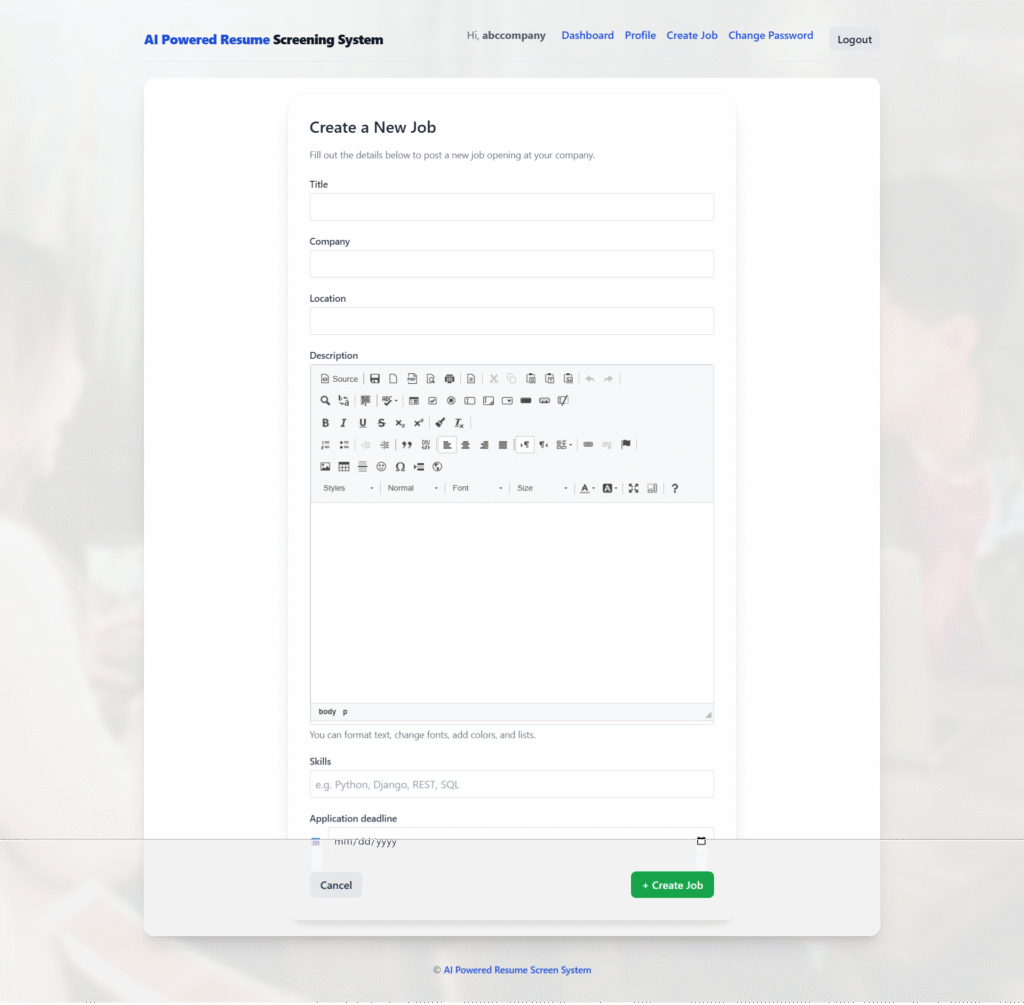
- Recruiters can post detailed job descriptions using CKEditor (fonts, colors, formatting).
- Application deadlines ensure expired jobs are automatically marked as closed.
4. Intelligent Application Tracking
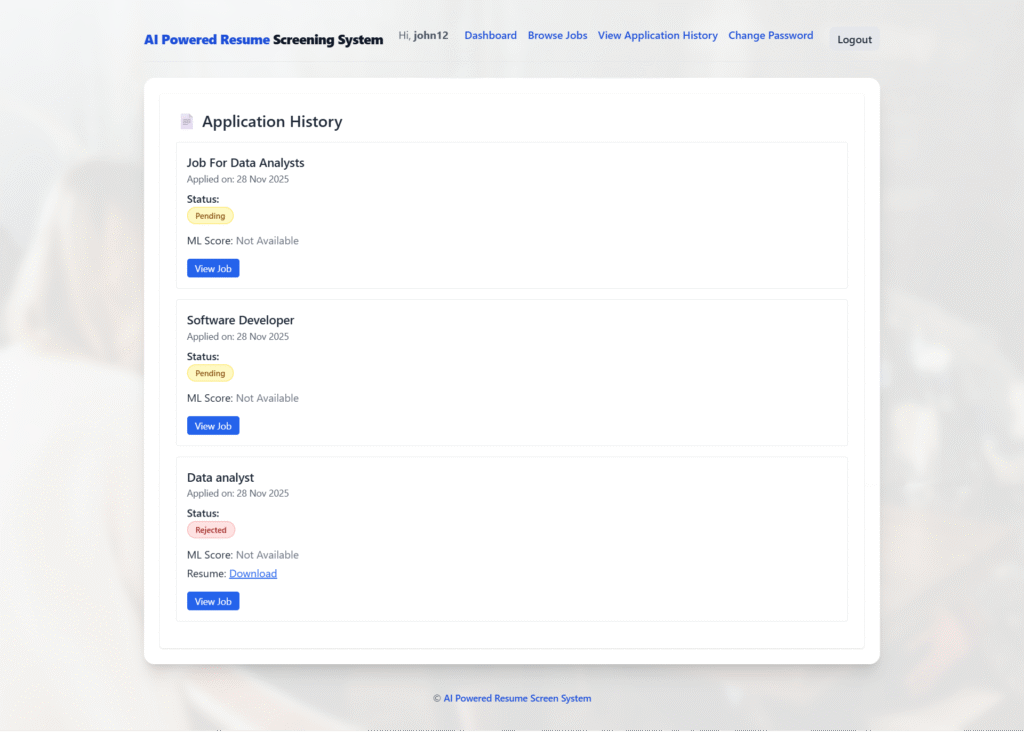
- Candidates see their applied jobs, ML scores, matched skills, and recruitment status.
- Recruiters can change the status of applications (Pending / Accepted / Rejected).
- Complete application history is stored for future reference.
5. Deadline-Based Job Validation
- If the application deadline is passed, the system automatically:
- Marks the job as expired,
- Prevents new applications,
- Displays a proper “Closed” badge.
6. Real-Time Notifications & Messages
- The system uses Django messages to show success/error notifications.
- Candidates and recruiters get feedback after every action.
7. Secure User Authentication
- Login system with custom password reset.
- Session-based secure login for candidates and recruiters.
8. Modern & Responsive UI
- Full TailwindCSS-based frontend for a clean and professional design.
- Works smoothly on mobile, laptop, and desktop.
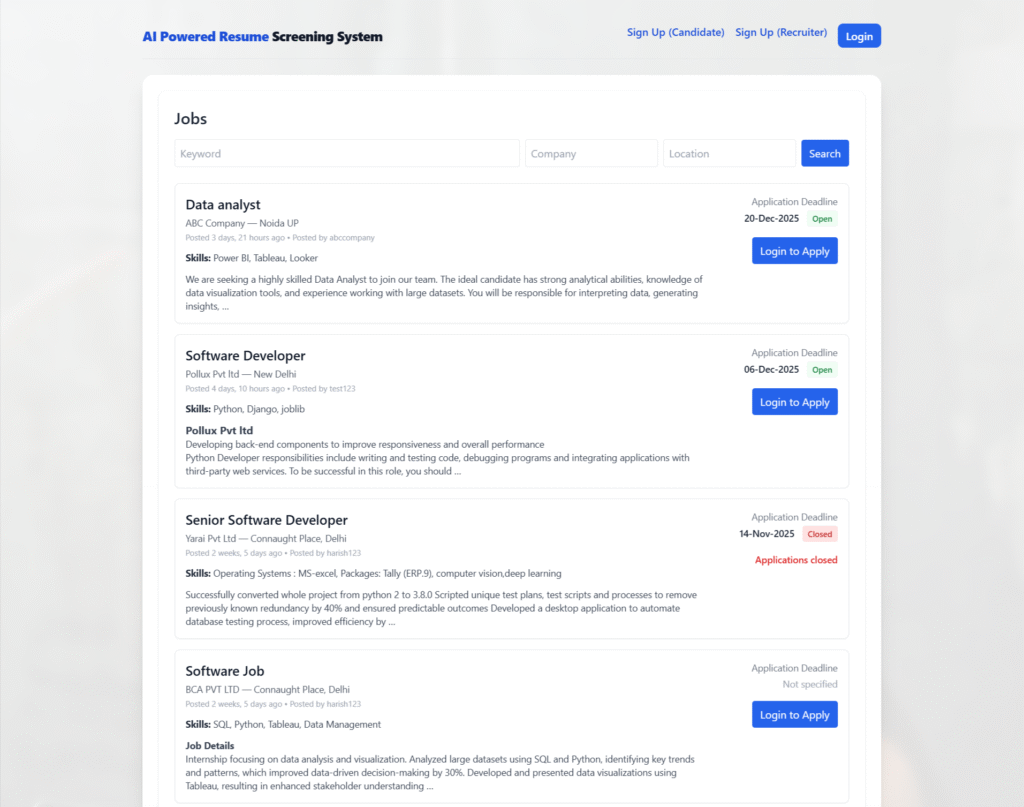
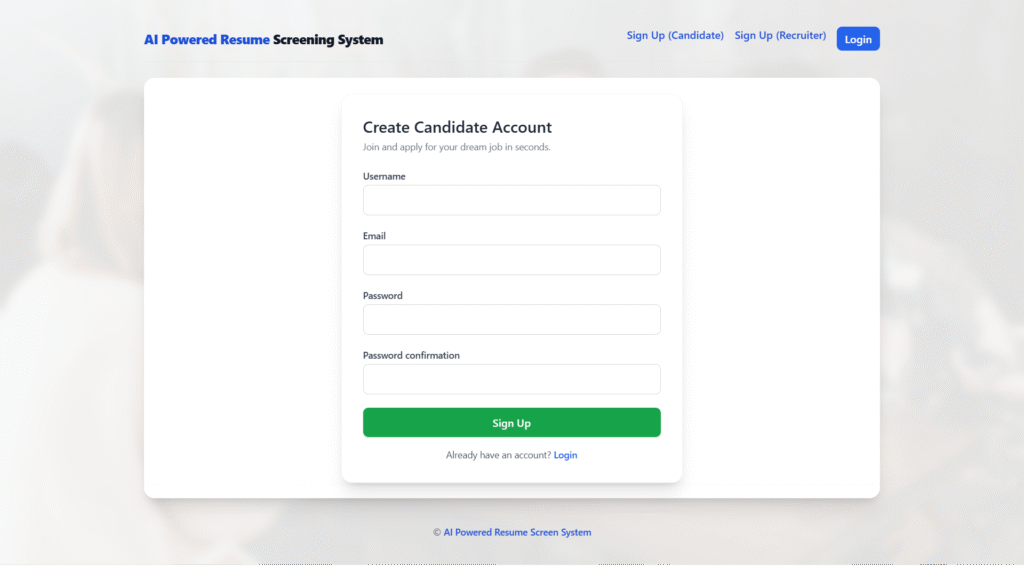
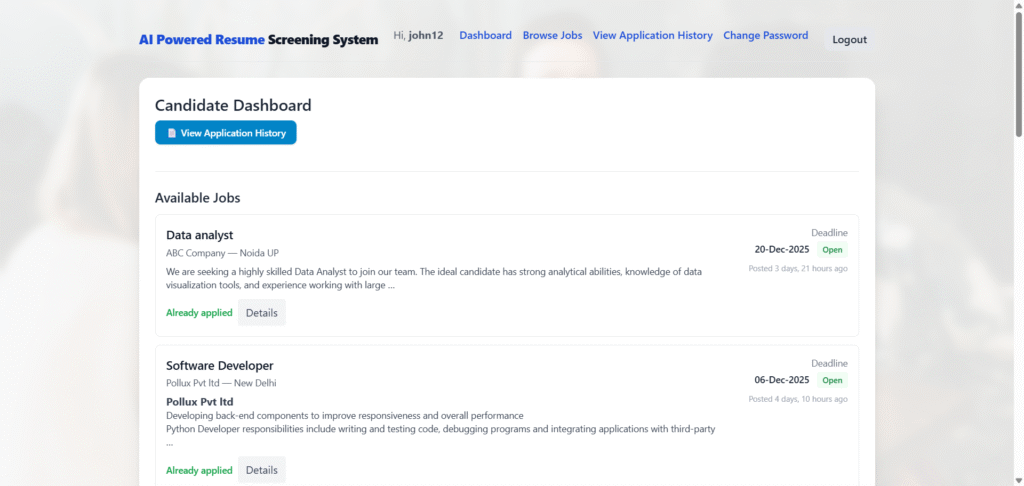
AI-Powered Resume Screening System in Python & ML: Output Screenshot
Home Page
User Registration
User Dashboard
User Application History
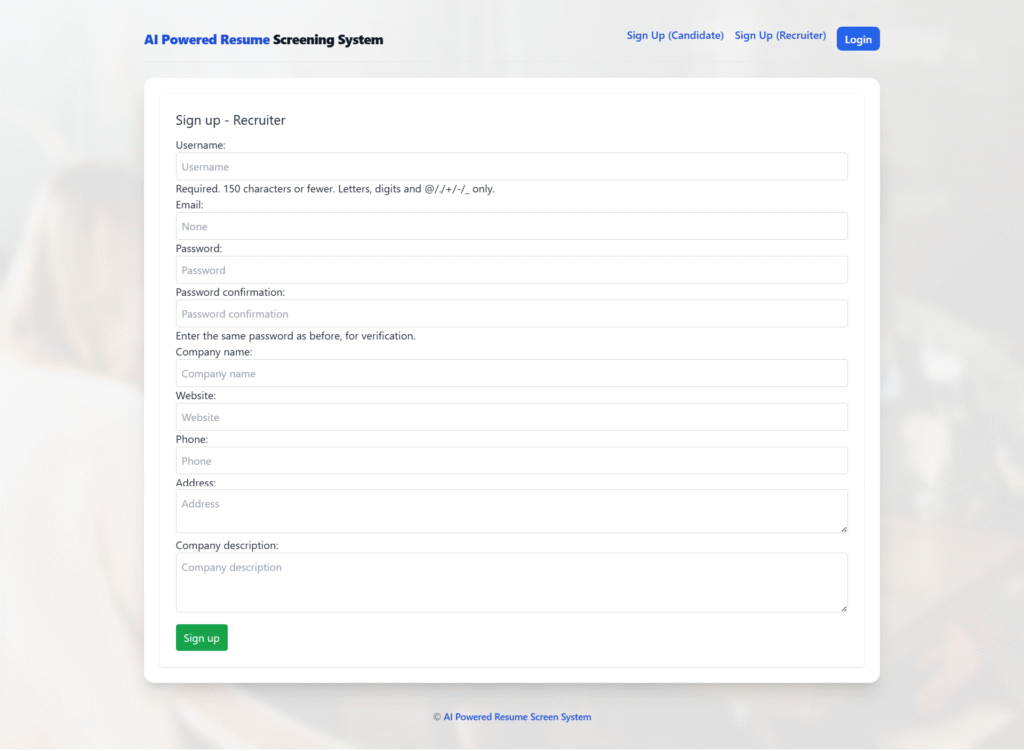
Recruiter Registration/Signup
Create Job
How to run the AI-Powered Resume Screening System using Python Machine Learning (ML)
1. Download the zip file of AI Powered Resume Screening System in Python
2. Extract the file, copy credit_fraud_project, the folder and paste it on the desktop
3. Open PyCharm and import the project into PyCharm
4. Install four libraries (if not installed)
pip install joblib
pip install numpy
pip install scikit-learn
pip install pandas
5. Run the Project using the following command
python manage.py runserver
Now, click the URL http://127.0.0.1:800,0 and the Project will run
Login Details
*************Recruiter************
Username: abccompany
Password: Test@123
Or register a new recruiter.
*************User************
Username: john12
Password: Test@123
Or register a new user.